Introducing Organizations: Team Collaboration on PocketBase Cloud
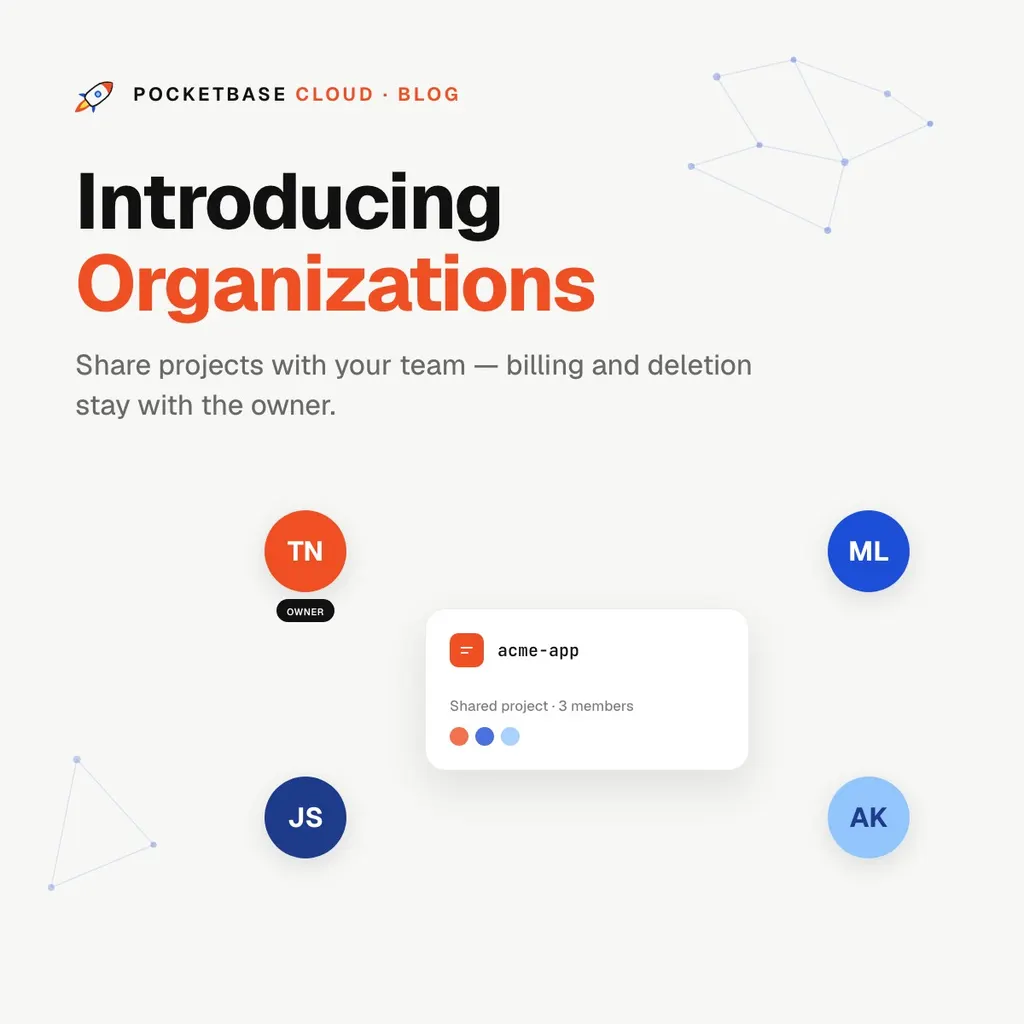
Introducing Organizations: Team Collaboration on PocketBase Cloud
Of everything we’ve built into PocketBase Cloud, this is my favorite feature — because it fixes the workflow I personally hit the most.
Until now, a PocketBase Cloud project belonged to exactly one account. Working with a teammate meant the worst kind of workaround: sharing login credentials, or funneling every deploy through whoever owned the project. Agencies onboarding a contractor, founders bringing in their first developer, friends hacking on a side project together — everyone was passing around one set of keys.
Organizations ends that. Create an org, add your teammates by email, and share the projects you choose. They get to work immediately — with real guardrails around the things that should stay yours.
How it works
Three steps, no ceremony:
- Create an organization — name it after your team, agency, or product.
- Add developers by email — teammates are added directly and see the organization instantly. No pending-invite limbo, no accept-flow emails sitting in spam.
- Share projects into the org — pick which of your projects the team can work on. Everything else stays private to you.
There’s no limit on how many developers you can add.
What developers can do: real work
We didn’t want a read-only “viewer” role that teammates outgrow in a day. Developers get essentially the owner’s powers on shared projects:
- Create new PocketBase instances, backends, and frontends
- Deploy code and deploy templates
- Change domains and settings
- Manage environment variables and hooks
- Stream logs and monitor resources
If it’s part of shipping, a developer can do it — without pinging the owner to click a button.
What stays owner-only: the guardrails
Full trust to build, zero risk to what exists. Three things remain exclusively the owner’s:
- Deleting anything. Projects, instances, backends, frontends, the organization itself — a developer cannot delete any of it, through any path. The destructive buttons simply aren’t theirs to press.
- Sharing and unsharing projects. Only the owner decides what’s in the org. A developer can’t pull additional projects in or drop shared ones out.
- Managing members. Only the owner adds or removes developers, so the circle of who can see your shared projects never grows without you.
And scope is strict: developers have access only to projects shared into their org. Your other projects don’t exist as far as they’re concerned.
Billing stays exactly where you’d expect
This was the detail we sweated the most. When a developer creates a new resource inside a shared project, it bills to the project owner — always. Nothing a teammate does can ever land a charge on their own account, and owners never wonder whose plan is paying for what. One project, one owner, one bill.
Credit where credit is due
Billing goes to the owner, but attribution goes to the author. Every resource records who actually created it, and the portal shows it — “Created by Anna” on the backend Anna deployed. In a five-person org, six months from now, you’ll know exactly who to ask about that staging instance.
The small print (by design)
- One project, one organization. A project belongs to at most one org — no matrix of overlapping shares to reason about. Unshare it and it’s a personal project again.
- Unsharing is non-destructive. Removing a project from an org doesn’t touch anything that’s deployed. Apps keep running; only access changes.
- Deleting an org deletes nothing else. The projects inside it simply revert to the owner’s personal projects, deployments untouched.
Who this is for
- Agencies — one org per client team; contractors get shipping power on exactly the projects they’re hired for, and can’t delete a thing
- Startups — the founder keeps billing and ownership; the team deploys all day without bottlenecking on one account
- Side projects — add your friend by email and start building tonight
Try it
Open the portal, hit Organizations in the sidebar, and create your first org. Add a teammate by email, share a project, and watch them deploy without asking you for anything.
Sharing credentials was never the plan. Now it never has to be.